Last updated: September 25, 2026
Modern work creates a simple problem: there is always more to do than there is time to do it. Emails, meetings, documents, research, spreadsheets, project updates and repetitive administrative tasks can consume a large part of the working day.
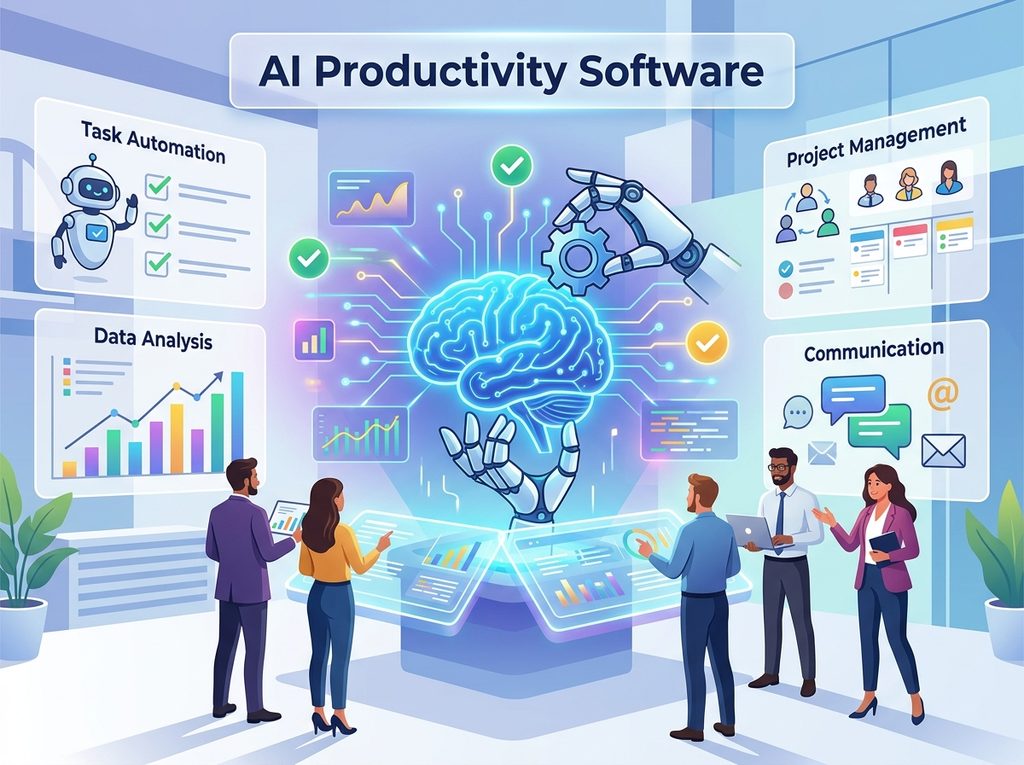
That is where AI productivity tools can help.
Instead of treating AI as a replacement for normal productivity software, it is more useful to think of it as an intelligent layer added to the tools you already use. AI can draft an email, summarise a meeting, analyse a spreadsheet, organise information, create a first draft or help turn a long list of tasks into an actionable plan.
For users in the USA and UK, the right choice depends less on having the most AI features and more on how well a tool fits your existing workflow.
What Are AI Productivity Tools?
AI productivity tools are software applications that use artificial intelligence to help people complete everyday work more efficiently.
Traditional productivity software usually provides the workspace: documents, spreadsheets, calendars, project boards, email and task lists.
AI productivity software adds capabilities such as:
- Writing and rewriting
- Summarising documents and conversations
- Research and information analysis
- Meeting notes and action items
- Spreadsheet analysis
- Task organisation
- Brainstorming
- Presentation creation
- Information retrieval
- Workflow automation
- AI-assisted project management
The important distinction is that AI productivity tools should reduce unnecessary work rather than simply create more content.
How AI Productivity Software Can Save Time
The biggest opportunity is usually not one spectacular AI feature. It is the accumulation of small time savings.
For example, consider a professional who spends:
- 30 minutes drafting routine emails
- 45 minutes reviewing documents
- 30 minutes creating meeting notes
- 45 minutes preparing weekly reports
That is 2.5 hours per day on tasks that may contain significant repetitive work.
AI cannot necessarily eliminate all of that work, and its output still needs review. However, even reducing the preparation time by 30% could save approximately 45 minutes per day, or around 3.75 hours over a five-day working week.
The actual saving will vary significantly by role, workflow and how much human review is required.
Key Features to Look for in Productivity Software
Not every AI productivity application is designed for the same job. Before paying for a subscription, look at the following capabilities.
1. AI Writing Assistance
AI can help create first drafts, rewrite text, adjust tone, summarise information and turn rough notes into structured documents.
This is particularly useful for:
- Emails
- Reports
- Proposals
- Marketing content
- Meeting follow-ups
- Internal documentation
The best workflow is usually AI draft → human review → final version, rather than publishing AI output without checking it.
2. Research and Summarisation
AI can process large amounts of information and turn it into a shorter, more manageable summary.
For example, a researcher could use AI to identify major themes in several documents before manually reviewing the most important sections.
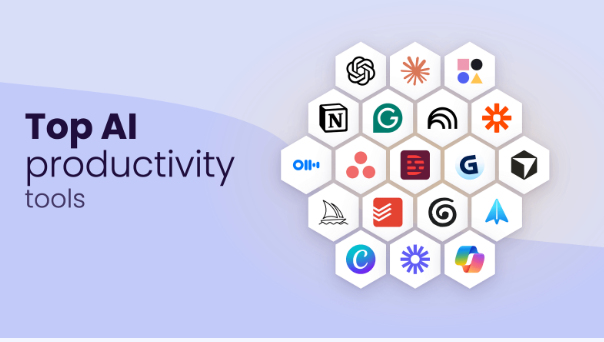
This can reduce the time spent searching through information, but important claims should still be checked against the original sources.
3. Meeting Notes
Meetings often produce valuable information that gets lost afterwards.
AI meeting features can help create:
- Transcripts
- Summaries
- Decisions
- Action items
- Follow-up notes
Notion, Microsoft and other productivity platforms now integrate AI into meeting and collaboration workflows. Notion, for example, includes AI Meeting Notes in its Business and Enterprise offerings.
4. Spreadsheet and Data Assistance
For people who regularly work with Excel or other spreadsheets, AI can make data analysis easier.
Depending on the software, AI assistance may help users:
- Understand datasets
- Create formulas
- Identify trends
- Summarise results
- Explore business data
- Generate explanations
Microsoft 365 Copilot, for example, integrates AI into Excel alongside Word, PowerPoint, Outlook and Teams.
5. Task and Project Management
AI can also help organise projects.
Useful capabilities include:
- Converting notes into tasks
- Creating project plans
- Summarising project updates
- Finding information
- Identifying outstanding actions
- Automating repetitive workflows
Notion combines documents, databases, projects and AI capabilities within one connected workspace. Its current Business plan includes features such as Notion Agent, AI Meeting Notes and Enterprise Search.
AI Productivity Tools Compared
Different platforms solve different productivity problems. The following comparison focuses on how they can fit into everyday workflows rather than trying to declare one universal winner.
| Tool | Main Productivity Role | Useful For | Current Pricing Snapshot* |
|---|---|---|---|
| ChatGPT Plus | AI assistant, writing, analysis, research | Individuals, creators, professionals | $20/month |
| Microsoft 365 Copilot | AI inside Microsoft 365 | Word, Excel, PowerPoint, Outlook, Teams users | Business pricing varies by plan |
| Google Workspace + Gemini | AI within Google productivity ecosystem | Gmail, Docs, Meet and Google Workspace users | Workspace plans vary |
| Notion AI | Connected workspace and knowledge management | Notes, projects, databases, team knowledge | Business: $20/member/month |
| Notion Free/Plus | General productivity workspace | Individuals and small teams | Free; Plus $10/member/month |
*Prices and plan structures can change. Prices shown were checked against official provider pages on September 25, 2026 and may vary by country, billing cycle, tax and plan configuration.
ChatGPT for Productivity
ChatGPT can function as a general-purpose AI productivity assistant.
Its current Plus subscription is listed at $20 per month and includes broader access to models and features such as voice conversations, image generation, file uploads and analysis, and Deep Research where available. API usage is billed separately.

It can be useful for:
- Drafting and improving documents
- Brainstorming
- Summarising information
- Analysing uploaded files
- Creating outlines
- Explaining technical concepts
- Research assistance
- Coding assistance
- Data analysis
Its major strength as a productivity application is flexibility: one tool can support many different types of knowledge work.
Microsoft 365 Copilot
For organisations already using Microsoft 365, Copilot can place AI directly inside familiar applications.
Microsoft currently lists Copilot functionality across applications including Word, Excel, PowerPoint, Outlook and Teams. Business plans can also include AI-powered chat connected to work data and reasoning capabilities for research and analysis.
For example, someone preparing a business presentation may be able to move between a Word document, Excel data and PowerPoint without changing their overall productivity environment.
Microsoft’s UK pricing page currently lists Microsoft 365 Copilot Business at £19.32 per user/month when billed monthly, while certain annual-plan configurations have different pricing. Prices exclude VAT where stated.
The US page currently lists Microsoft 365 Copilot Business from $18 per user/month when paid yearly, with plan and billing conditions applying.
Google Workspace and Gemini
Google’s productivity ecosystem combines Gmail, Docs, Sheets, Slides, Meet, Drive and other services.
Google currently includes Gemini AI capabilities in Workspace plans, including assistance in products such as Gmail, Docs and Meet. Its pricing varies according to the Workspace edition and billing arrangement.
This approach can be particularly useful for organisations that already manage their work primarily through Google Workspace.
Rather than introducing a completely separate productivity environment, AI becomes part of the applications employees already use.
Notion AI
Notion takes a different approach by combining documents, databases, project management and knowledge management.
As of September 2026, Notion lists:
- Free: $0 per member/month
- Plus: $10 per member/month
- Business: $20 per member/month
- Enterprise: Custom pricing
The Business plan includes features such as Notion Agent, AI Meeting Notes and Enterprise Search.
Notion also offers Custom Agents that can perform multi-step work. The company states that Custom Agents use Notion credits, with credits priced at $10 per 1,000 credits under its current pricing model.
For organisations considering AI productivity software, this illustrates an important trend: AI pricing may increasingly depend not only on seats but also on the amount or complexity of AI work performed.
Pros and Cons of AI Productivity Software
Pros
- Reduces repetitive administrative work
- Speeds up first drafts and summaries
- Helps organise large amounts of information
- Can support research and analysis
- Makes existing productivity applications more capable
- Can help individuals work with fewer separate tools
- Provides assistance with routine communication
Cons
- AI output can contain errors
- Human review remains important
- Some advanced features require paid plans
- Subscription costs can increase as teams grow
- Sensitive information requires careful handling
- Employees may need training before adopting new workflows
- Too many AI tools can create more complexity rather than less
How to Choose the Right AI Productivity Tool
The best approach is to start with the problem, not the software.
Ask these questions before subscribing:
What takes the most time?
Identify repetitive tasks such as email writing, reporting, meeting notes or information searching.
Where does your team already work?
If your organisation lives inside Microsoft 365, an integrated Microsoft solution may fit naturally.
If Gmail, Docs and Meet dominate your workflow, Google Workspace’s AI capabilities may be more convenient.
If your team relies heavily on connected documents, databases and internal knowledge, Notion may fit a different use case.
Do you need an AI assistant or an entire workspace?
A general AI assistant may be enough for an individual who needs writing, research and analysis support.
A connected workspace may be more useful for a team that needs project management, documents, databases and AI in one environment.
How sensitive is your information?
Before uploading confidential business information, contracts, customer records or other sensitive material, review the provider’s privacy, security and data-retention documentation.
Notion, for example, states that it does not use customer data to train its models unless the customer opts in, while Enterprise customers have additional data-retention controls.
A Practical AI Productivity Workflow
You do not need ten AI applications to become more productive.
A simple workflow could look like this:
Step 1: Capture
Collect emails, notes, documents and tasks in one organised system.
Step 2: Summarise
Use AI to turn lengthy information into key points.
Step 3: Prioritise
Identify urgent tasks, deadlines and decisions.
Step 4: Create
Use AI to produce a first draft, outline, spreadsheet explanation or presentation structure.
Step 5: Review
Check facts, calculations, names, dates, sources and tone.
Step 6: Automate
Only after the workflow works manually should you consider automating repetitive steps.
This approach helps prevent a common mistake: automating an inefficient process before understanding it.
AI Productivity Tools for Different Users
For Students
Useful applications include research assistance, summarisation, brainstorming, study planning and writing support.
Students should still understand the material themselves and follow their school’s or university’s rules concerning AI-assisted work.
For Freelancers
AI can help with proposals, client communication, content planning, research, meeting summaries and administrative work.
The biggest opportunity is often reducing unpaid administrative time so more time can be spent on billable work.
For Small Businesses
Small teams can use AI for:
- Customer communication
- Internal documentation
- Marketing drafts
- Meeting summaries
- Data analysis
- Project updates
- Standard operating procedures
However, businesses should establish clear rules about confidential information and human approval before AI-generated content is sent to customers.
For Large Organisations
Enterprise users should look beyond AI features.
Important considerations include:
- Security
- Access controls
- Data governance
- Compliance
- Integration
- Administration
- Auditability
- Employee training
- Total cost of ownership
For larger organisations, the productivity gains from AI need to be balanced against governance and security requirements.
What Does AI Productivity Software Cost?
There is no single standard price.
Some tools provide free versions, while advanced business features are commonly priced per user. Other AI services can add usage-based charges for advanced agents or high-volume workloads.
For example, ChatGPT Plus is currently $20/month, Notion Business is $20/member/month, and Microsoft and Google offer multiple business plans with different pricing and feature combinations.
When calculating the real cost, consider more than the subscription.
A useful calculation is:
Total productivity cost = software subscription + implementation + training + management + human review
A $20 monthly subscription that saves several hours of valuable work may have a very different economic impact from a $20 subscription that employees rarely use.
Common Mistakes When Using AI Productivity Tools
Buying too many tools
More software does not automatically mean more productivity.
Trusting AI without checking
AI can generate plausible but incorrect information. Important outputs should be verified.
Automating everything immediately
Start with a small, repeatable process and measure the result.
Ignoring privacy
Do not assume every AI platform handles confidential information in the same way.
Measuring activity instead of results
The goal is not to generate more AI output.
The goal is to complete useful work more efficiently and accurately.
The Future of Productivity Software
AI productivity software is moving beyond simple chatbots.
Modern platforms increasingly combine:
- AI assistants
- Connected knowledge
- Workflow automation
- AI agents
- Meeting intelligence
- Data analysis
- Business applications
Notion, for example, now offers Custom Agents designed to handle multi-step tasks, while Microsoft is integrating AI agents and reasoning capabilities into its business productivity ecosystem.
This suggests that the next stage of productivity software is not simply asking AI a question. It is giving AI a well-defined task, appropriate context and controlled access to the tools needed to complete it.
Human oversight remains important, particularly for decisions involving customers, finances, legal matters, security or sensitive company information.